Traditional Inventory Clerk
- Price
- £120–£180+ per booking
- Time
- A booked visit
- Photos
- Often a separate pack
- What you send
- The clerk’s report
UK Co. 17380270 · ICO ZC215268
UK Tenancy Evidence · For landlords and letting agents in the UK
Handing over the keys yourself via OpenRent, Rightmove, or a private let? A clerk often costs £100–£150 or more, and monthly software is a separate commitment. Walk the property with your phone, let AI draft the room-by-room condition notes, review every sentence, and email a signed, dated PDF and Word report the same day for £9. OpenRent, MakeUrMove, Mashroom, Rightmove and Zoopla are separate from TenantSnap.
No account needed · Instant AI condition notes
TenantSnap Track
Pair the £9 one-off AI Photo Inventory Report with the £0 / £19 one-off TenantSnap Track Excel kit: an HMRC Making Tax Digital quarterly ledger, plus a deadline calendar for gas safety (CP12), EICR and EPC.
Landlord stack
£9 Once · Signed AI Photo Inventory
plus
£0 / £19 Once · MTD Ledger & CP12/EICR Calendar
Instead of
£120+ Clerk Fees & £150+/yr Software Subscriptions
RECOMMENDED · SAVE £110+
You let the home yourself in the UK, and you want the check-in done on your phone the day you hand over the keys.
Do it when the tenant can see the property
Do the report on the day they collect the keys, so the date matches the handover. Email the PDF the same day.
Invite written comments and keep the reply
Write a comment period on the report. Seven days is a common choice. Email the PDF the same day. If the tenant replies instead of signing, keep that email with the report.
You check every sentence
You are in the room. AI drafts the item name and the condition notes from each photo. You edit any sentence before you send the file.
Pay once for this report
Test up to 10 AI photo descriptions on screen for free with no account. When you are ready to issue the official document, unlock the signed, dated PDF and Word download for £9 once (includes up to 300 AI photo analyses, with no monthly subscription).
A dated, room-by-room record. These are pages from a real report made with TenantSnap.
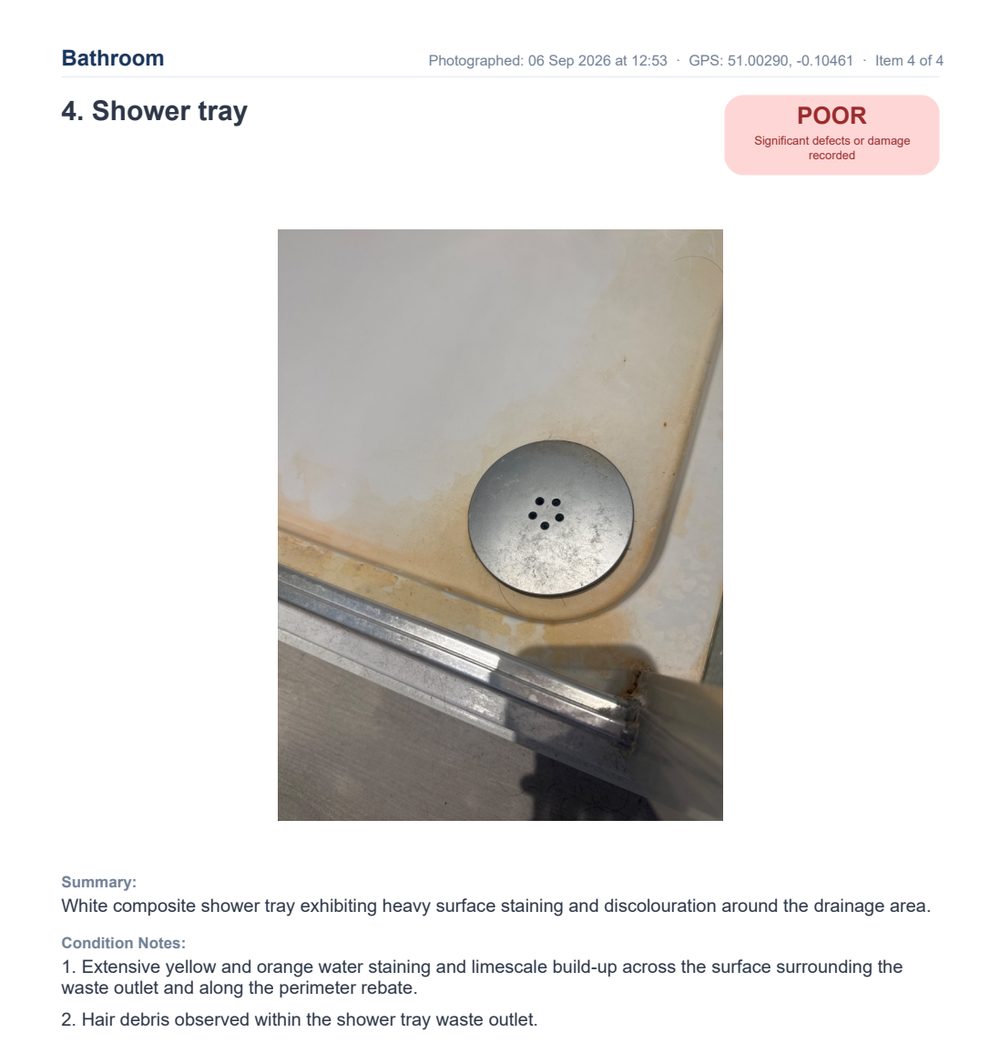
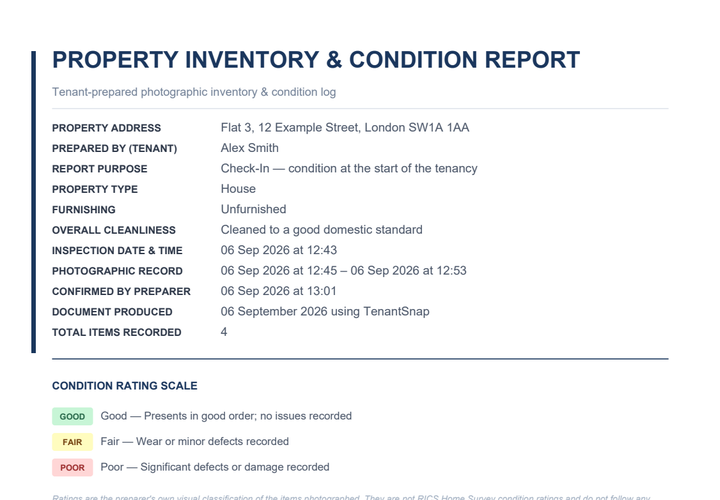
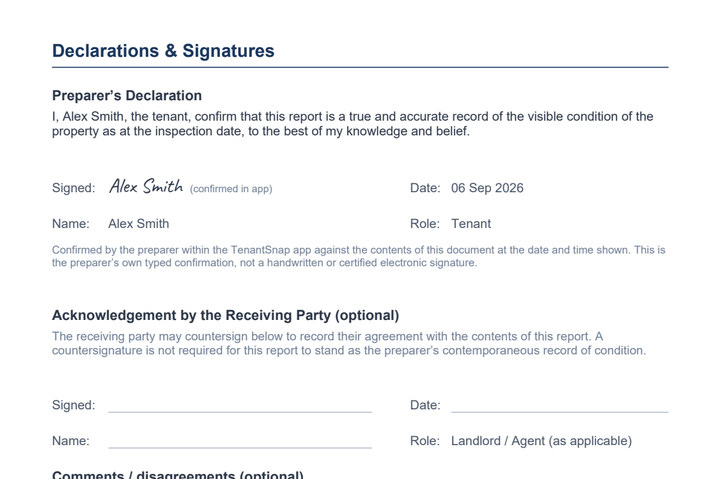
No account needed · Instant AI condition notes
You walk the property with your phone, edit the notes, and email the PDF to the tenant. You pay once for that report. The file stays on your phone, so download it and keep your copy.
Photograph every room you are letting, including marks you already know about.
You take the photos on your phone, check the words, and choose what to send. A deposit scheme can look at that record with the check-in and the check-out. For a survey, or for advice on your own case, speak to a qualified person. These examples follow usual practice in England.
There is no legal requirement in England to hire a third-party inventory clerk. Government-approved deposit schemes (TDS, DPS, and MyDeposits) accept inventories prepared by landlords themselves, provided the report is clearly dated, supported by legible photographs, describes the condition room by room, and is given to the tenant at check-in with an opportunity to add written comments or sign.
You can test up to 10 AI photo descriptions on screen with no account. The signed, dated PDF and Word download is £9 once and includes up to 300 AI photo analyses. There is no monthly subscription. Your photos stay on the phone that made the report.
You make the report and email it yourself. OpenRent, MakeUrMove, Mashroom, Rightmove, Zoopla and the deposit schemes are separate organisations. The file you send is the one you made.
Your photos stay on your phone. Download the PDF and keep that file. AI uses a photo only to draft the words.
The free tools are listed first. The other guides follow:
Tenants & landlords
10 free scans, £9 once.